Pet the Cat
Free browser game · real purr audioGlide your hand across a real cat and hear her purr. Twelve cats, three ways to play: petting, toys and feeding.
Slow strokes along Luna’s coat make her purr.
Meet the twelve cats
Eight coats, twelve personalities. Each cat keeps her own affection, mood and fullness, and follows you across all three games.
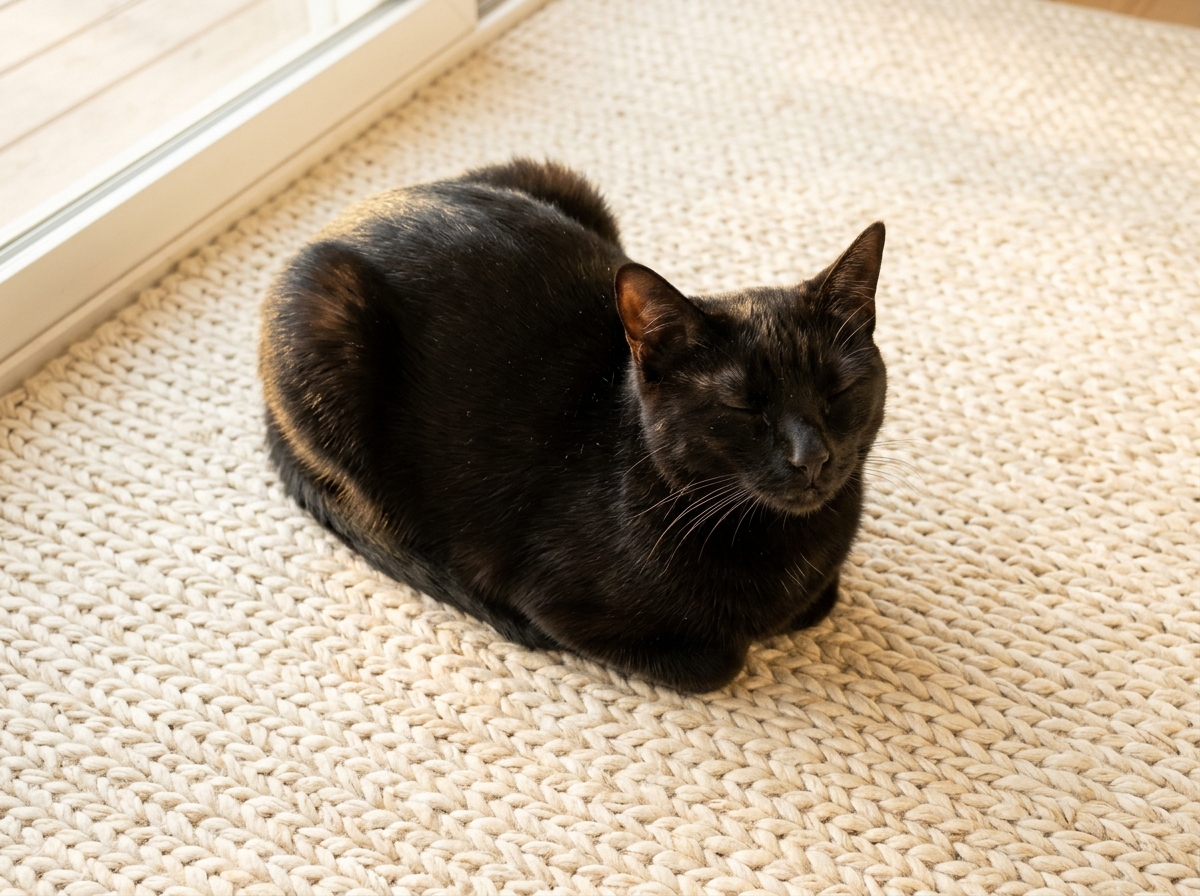
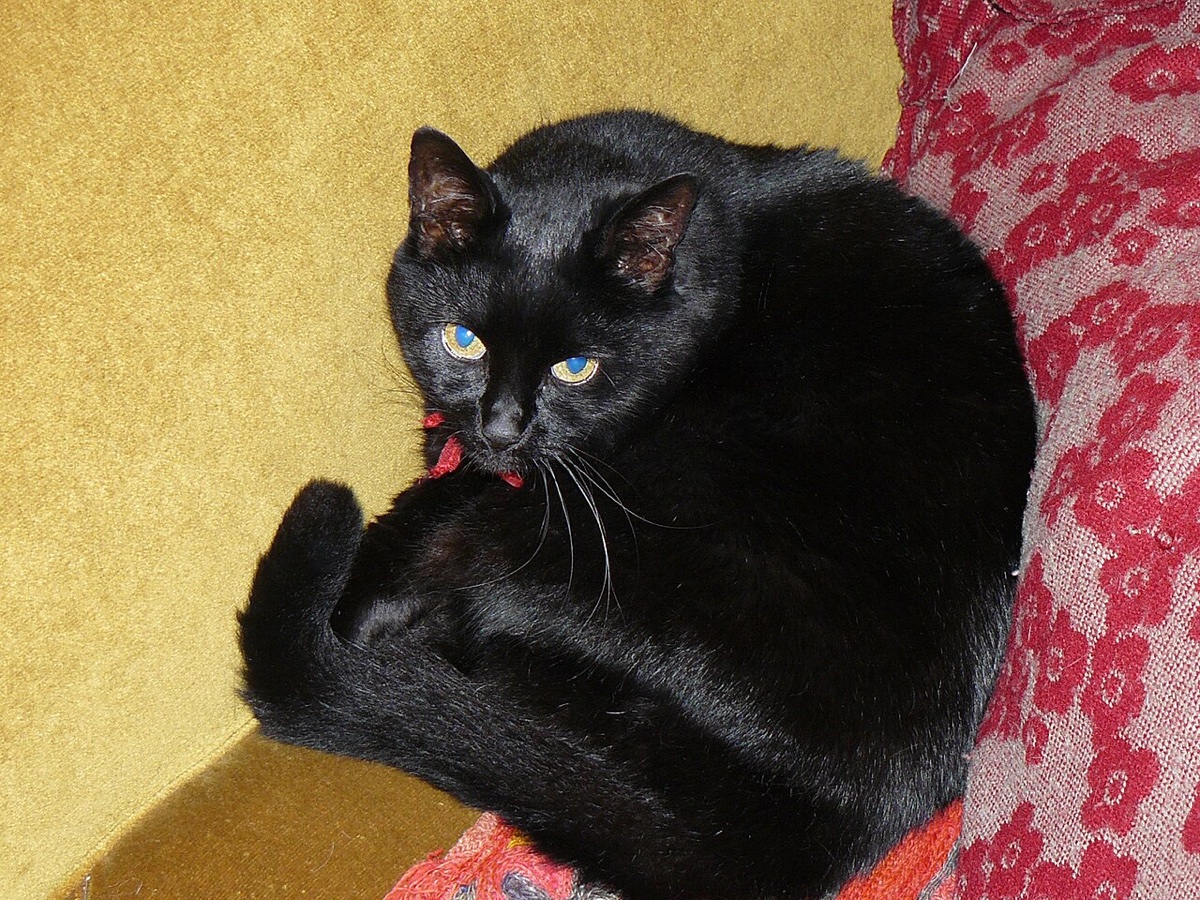
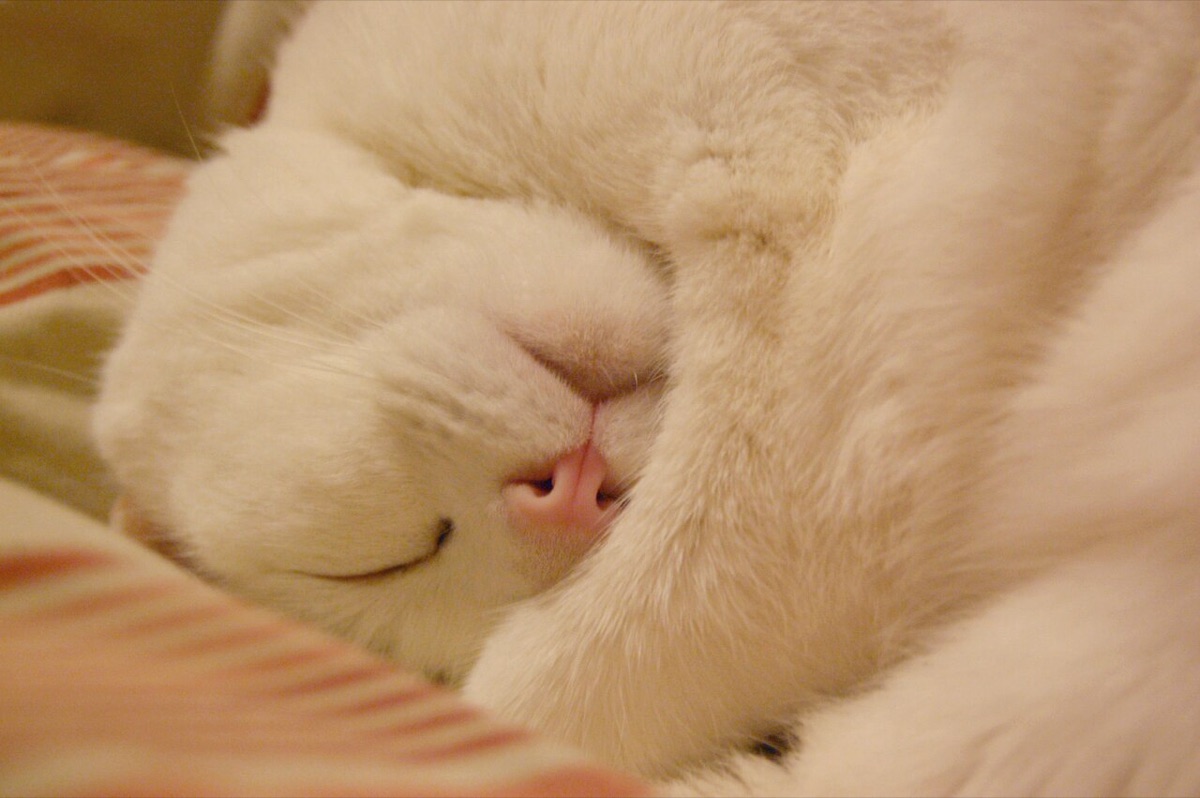
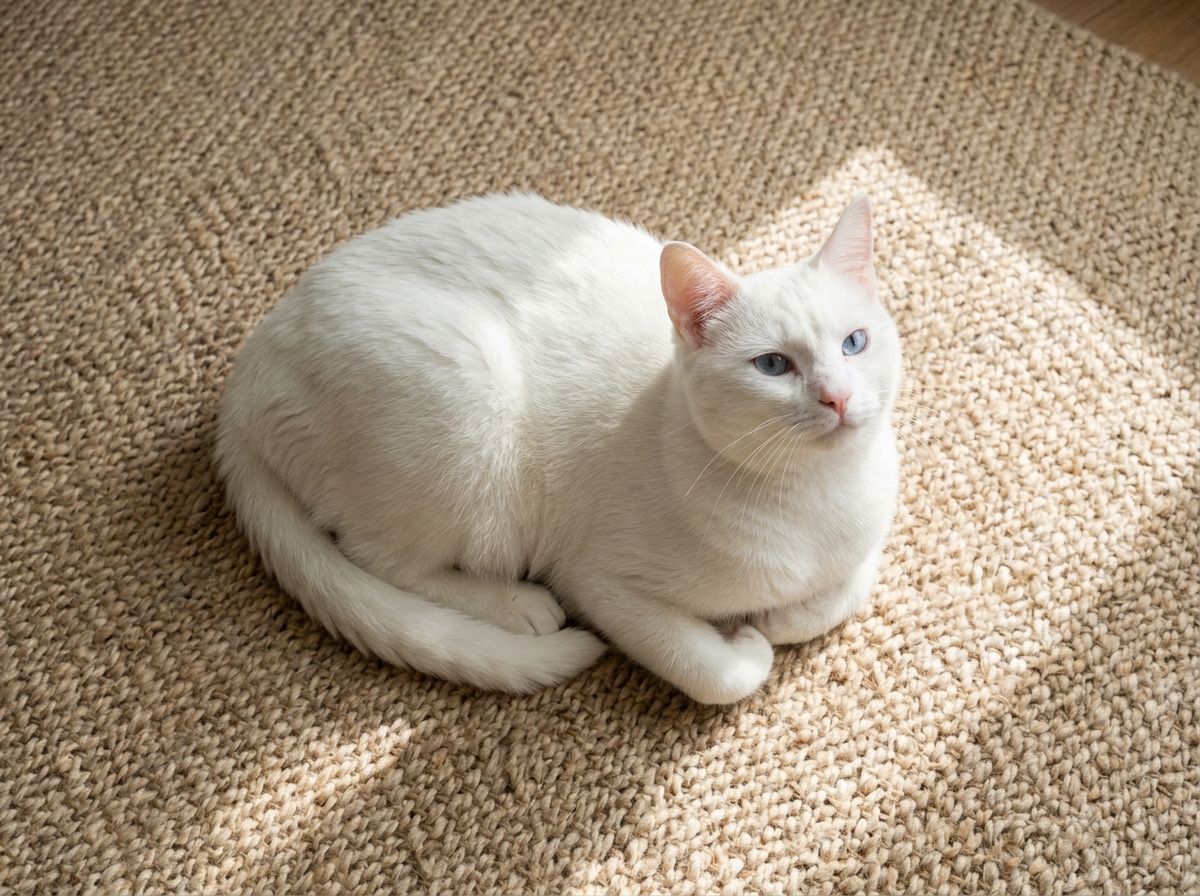
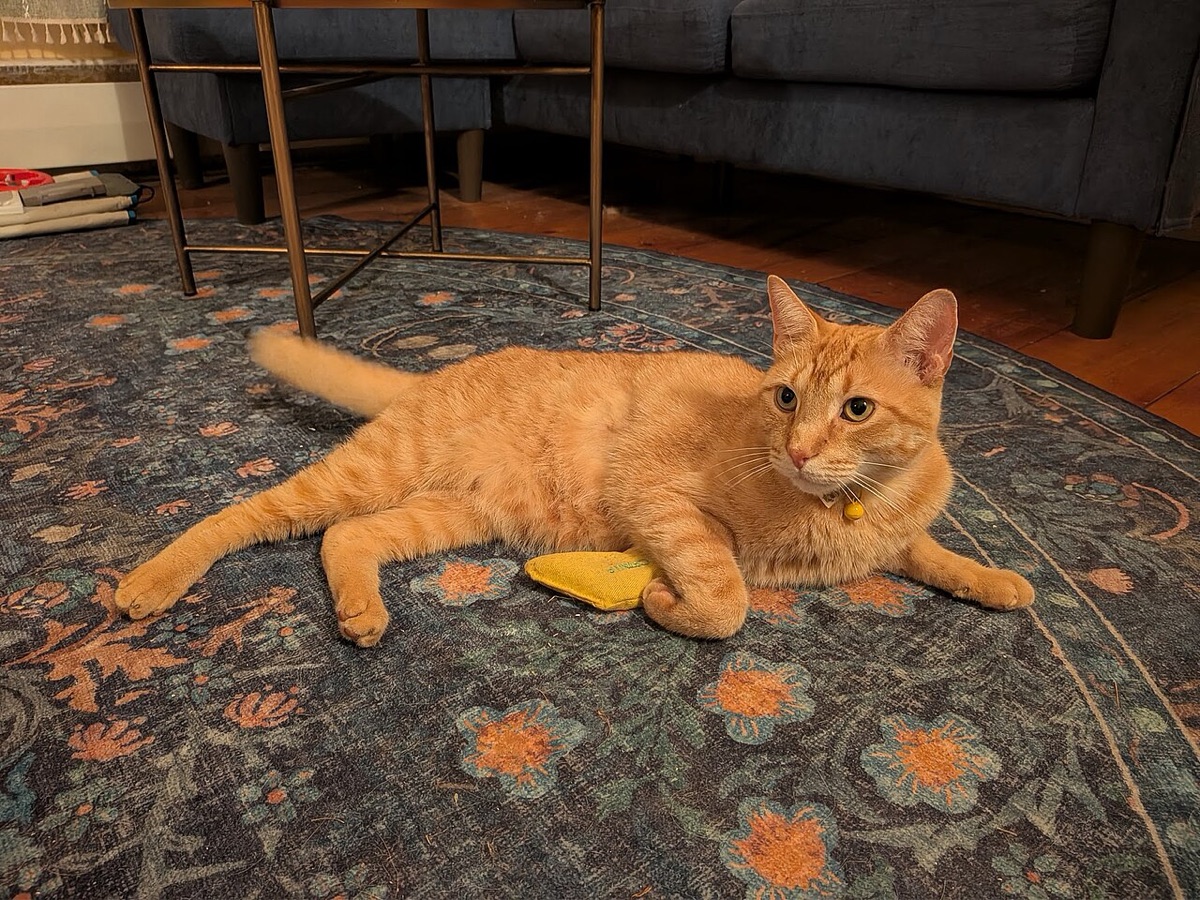
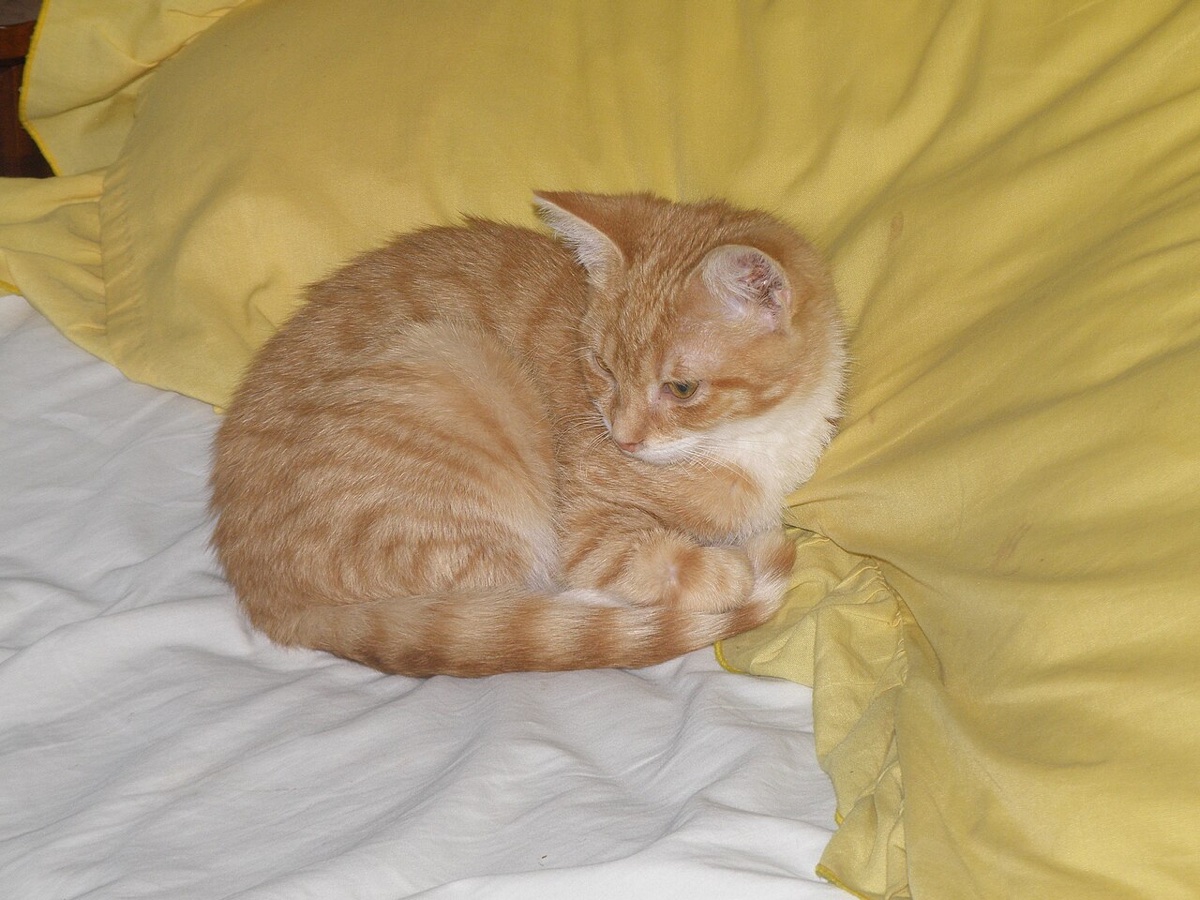
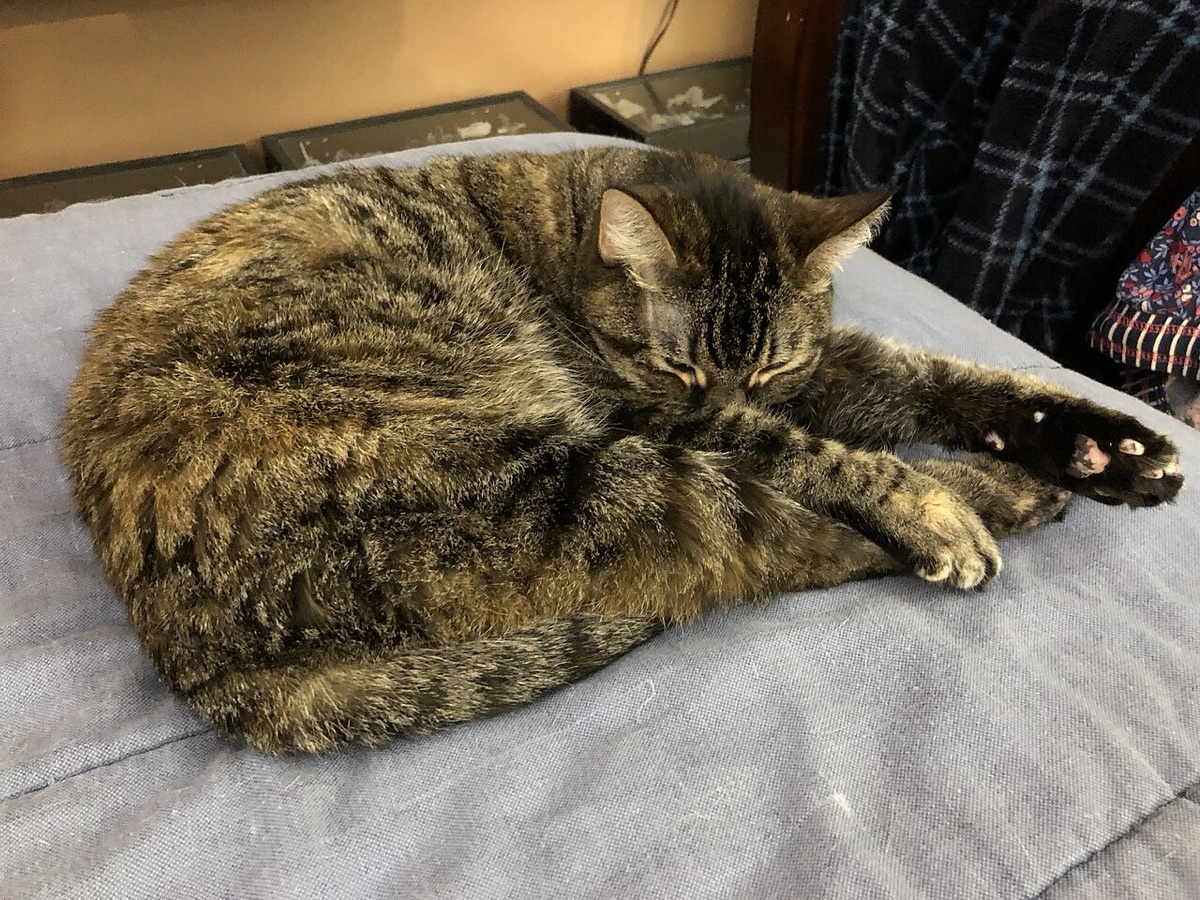
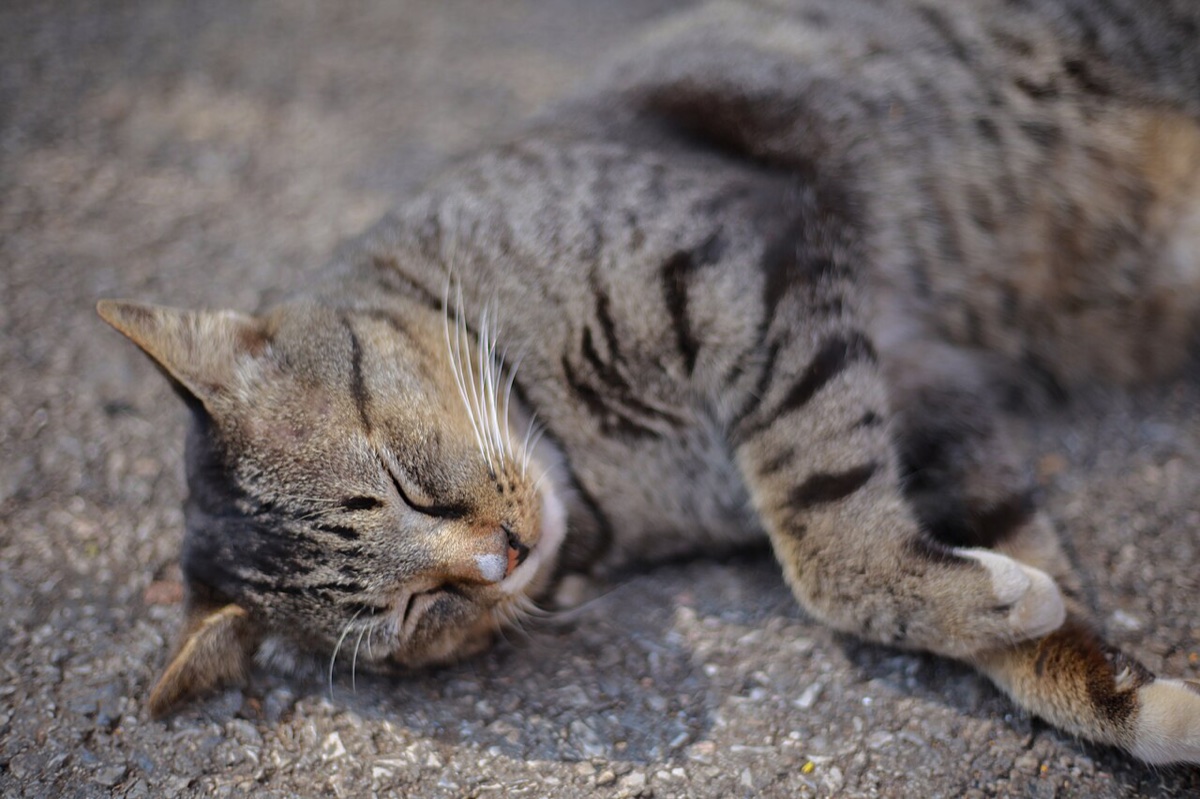
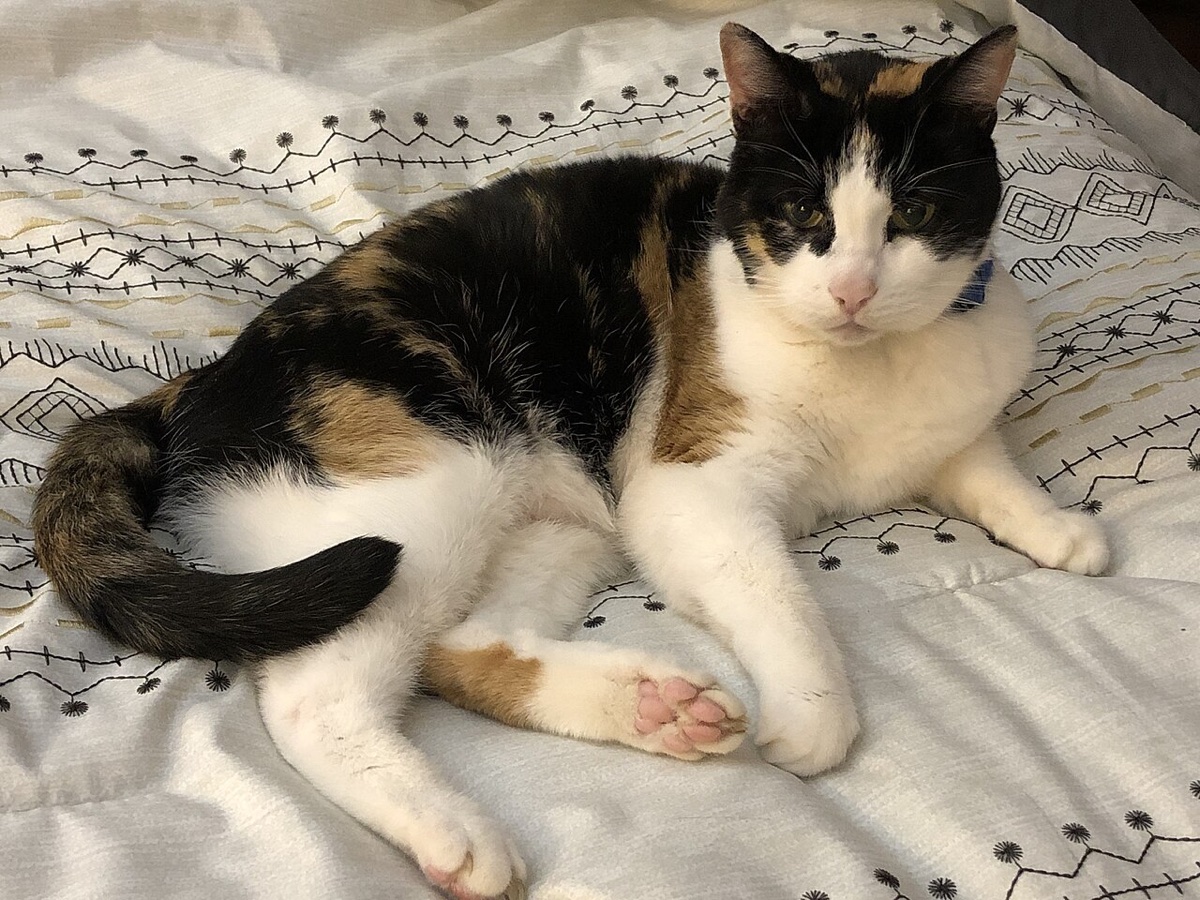
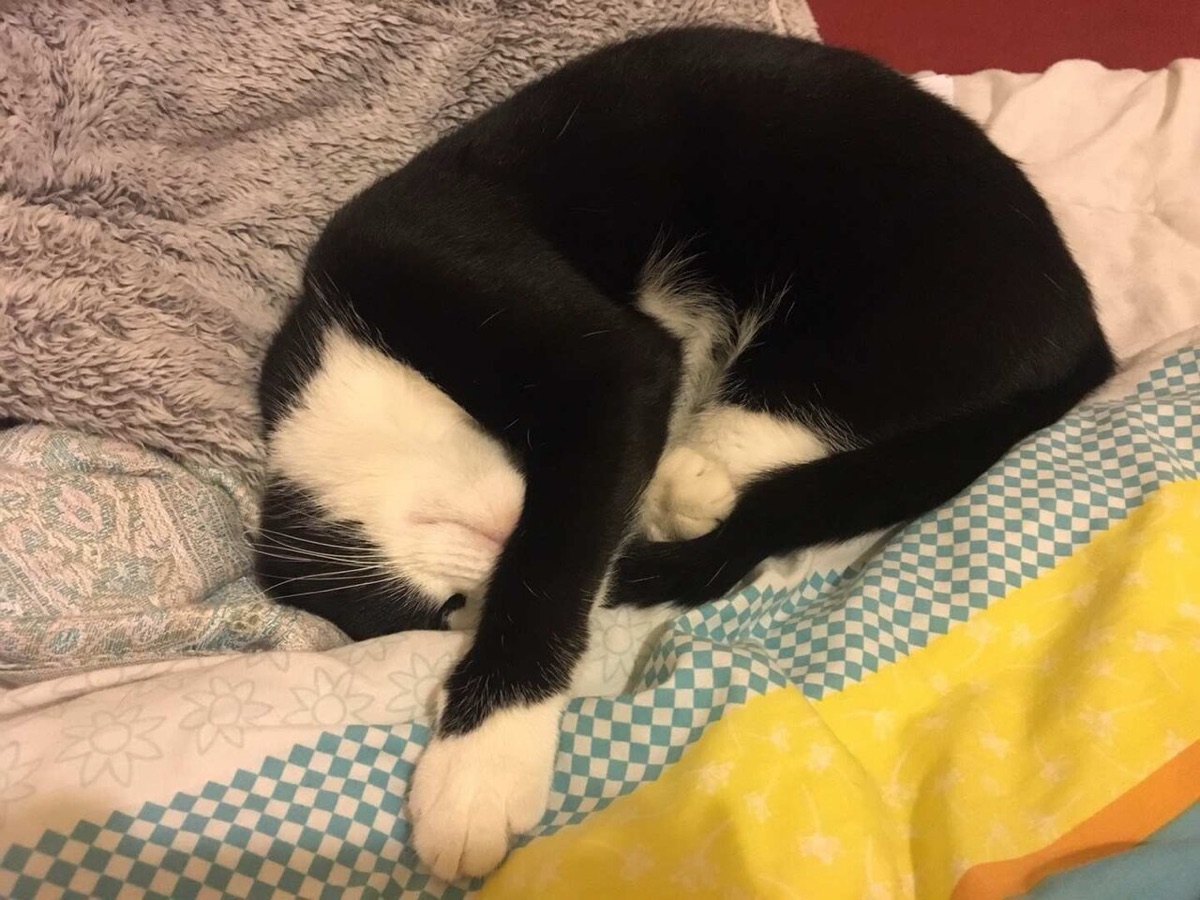
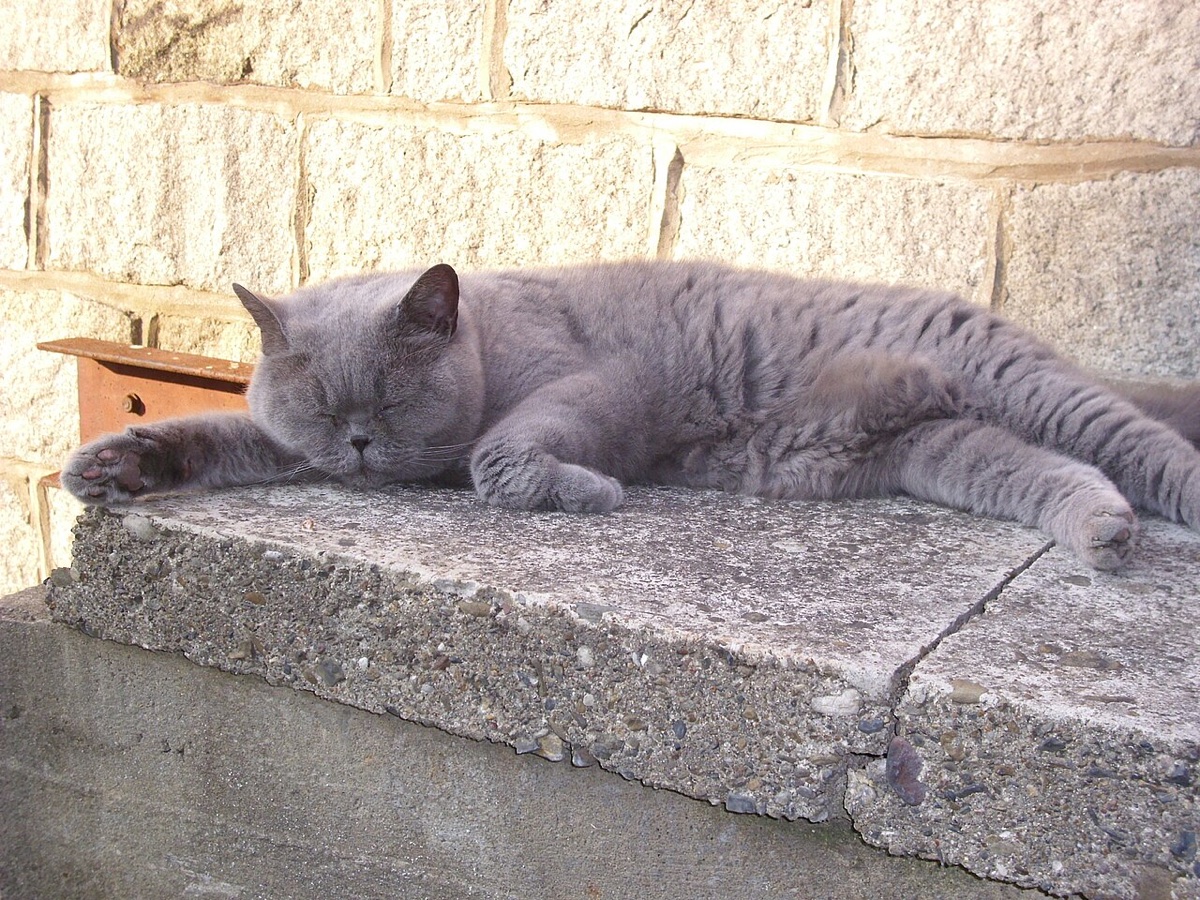
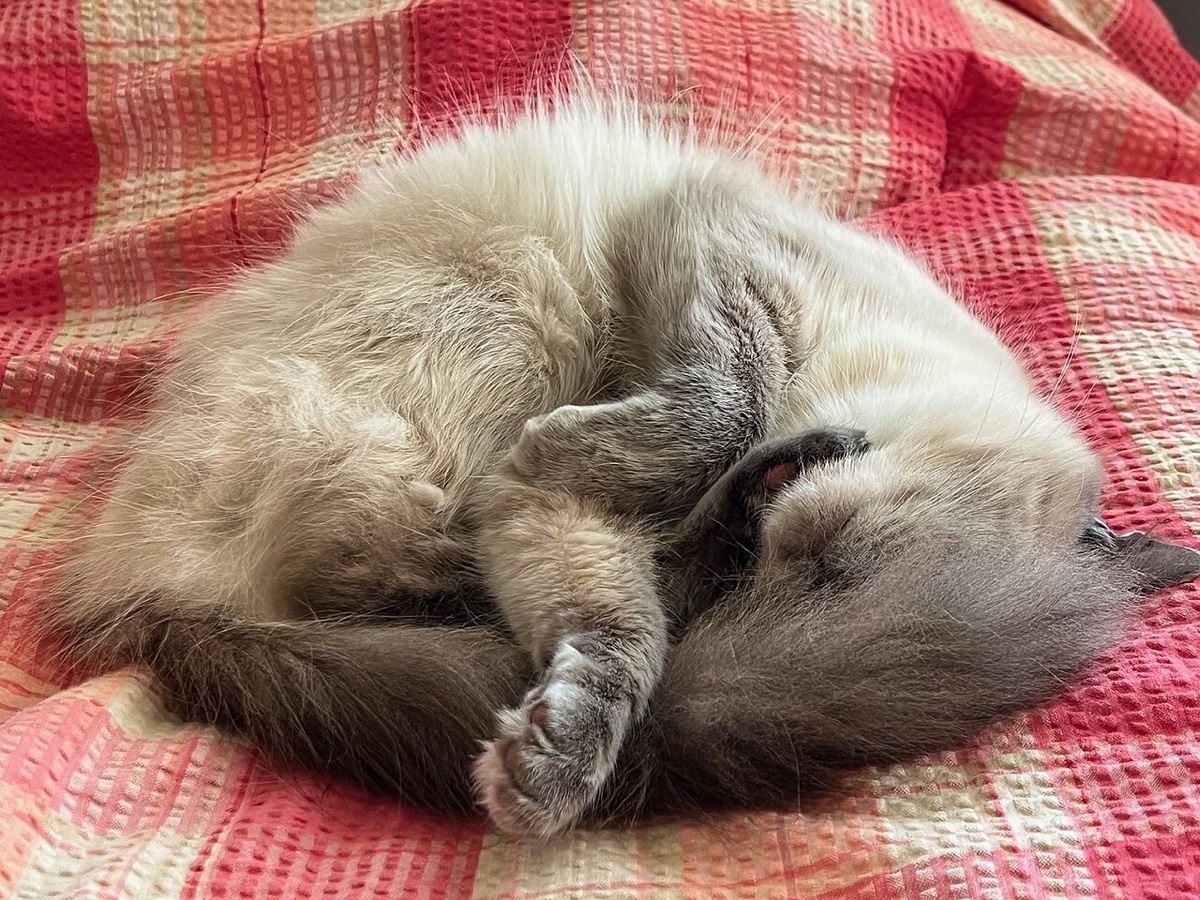
A real cat that answers your hand
Most browser cat games are a video on a loop. This one listens. Glide the on-screen hand slowly along the chin, ears, or back and the coat responds with breathing, soft fur ripples, and a low-frequency purr tailored to each cat (between 22.8 Hz and 28.2 Hz). Rush her, or go straight for the belly, and she tucks away. The difference between those two outcomes is the whole game.
There is nothing to install and no account to make. Each cat portrait is rendered inside a responsive HTML canvas right in the page, so she loads cleanly and works on any phone or desktop browser.
Where to touch, and where not to
Cats are particular about hands. The safe zones are the ones they can see coming:
- The chin and the cheeks. Most cats push into a finger under the chin.
- Behind the ears, where they cannot reach to groom.
- Along the back, in long strokes from neck to tail, following the fur.
- The base of the tail, for gentle bongo pats that some cats lean right into.
The belly is the trap. A cat lying on her back with her paws up is not inviting a hand, she is guarding herself. In the game, going for the belly costs affection and causes her to tuck away. That is the same rule as the real world, just without the scratches.
Twelve cats, three ways to play
Petta Cat has eight coat types and twelve named cats: Luna and Onyx the black cats, Mochi and Cloud the white ones, Biscuit and Mango the orange tabbies, Sesame and Pepper the mackerel tabbies, Pumpkin the calico, Domino the tuxedo, Blueberry the British blue and Latte the Siamese.
Each cat has her own personality and her own favourite spot. Biscuit purrs the moment your hand lands anywhere. Pepper watches your hand carefully and swats if you aim for his belly. Blueberry is half asleep and reacts half a beat late.
Pick a cat on this page and she stays with you across all three games: petting, toys and feeding. The affection, mood and fullness meters are kept separately for each cat, so a cat you filled up yesterday is still full today.
Petting on a phone or laptop
On a phone you drag a finger across the cat and the on-screen hand follows every stroke; on a laptop you glide the mouse or switch ambient lighting between Daylight, Candle, and Night. Keyboard players get two shortcuts: Space strokes the back, T taps the base of the tail. Nothing is hidden behind a click-to-start screen, so the first thing you do on the page is pet the cat.
Audio unlocks on your first tap or via the Sound button. Alongside soft fur-brushing acoustics, each cat plays a natural rhythmic inhale-exhale purr loop so the stage feels calm and lifelike—or leave sound muted whenever you want quiet play.
What purring actually means
A purr is not a simple happiness signal. Cats purr when they are content, and also when they are anxious, in pain, or recovering. The low frequency (roughly 25 to 150 Hz depending on the cat) is produced by muscles in the larynx vibrating, and kittens can purr before their eyes open, which is how they tell their mother where they are.
So a purring cat is not always a happy cat. In this game purring reflects affection, because it is a game. If you want the real signals to watch for, the petting guide walks through the tail, the ears and the slow blink.
Real portraits paired with a paper field guide
Each of the twelve cats pairs a real feline portrait with warm paper field-guide typography and a subtle coat-coloured band on every profile card. Lighting toggles let you pet Luna in moonlight, Biscuit in afternoon sun, or Mochi beside a warm candle without extra clutter.
What is not in the game
There is no shop, no energy meter to wait on, no daily login bonus, and nothing to buy. The cats also cannot get sick, and nothing you do here is veterinary advice about feeding your real cat. For that, the feeding schedule page sticks to published guidance from veterinary sources, and the how much to feed page gives weight ranges rather than one number.
Questions about petting the cat
Is Pet the Cat free?
Yes. There is no cost, no account, no download and no in-app purchase. Open the page and your cat is already waiting.
Can I play on a phone?
Yes. The game is built for touch first: slide a finger across the cat to stroke her with the on-screen hand, or tap the bottom bar on mobile to switch between Pet, Toys, Feed and Cats.
Do I need to download an app or sign up?
No download and no registration. Everything runs directly in your browser using HTML5 Canvas, real cat portraits, and Web Audio purring.
Can it save my cat's progress?
Yes. Your selected cat (pettacat.cat) and her affection, mood and fullness meters are saved in your browser's local storage so she stays with you across pages.
How many cats and coats are there?
There are twelve named cats across eight coat types: black, white, orange tabby, mackerel tabby, calico, tuxedo, British blue and Siamese.
How do I switch cats?
Click "Your cat: Luna" on the right side of the top navigation bar, tap any cat portrait pill under the stage, or open the Cats directory to pick any of the twelve.
Explore next