
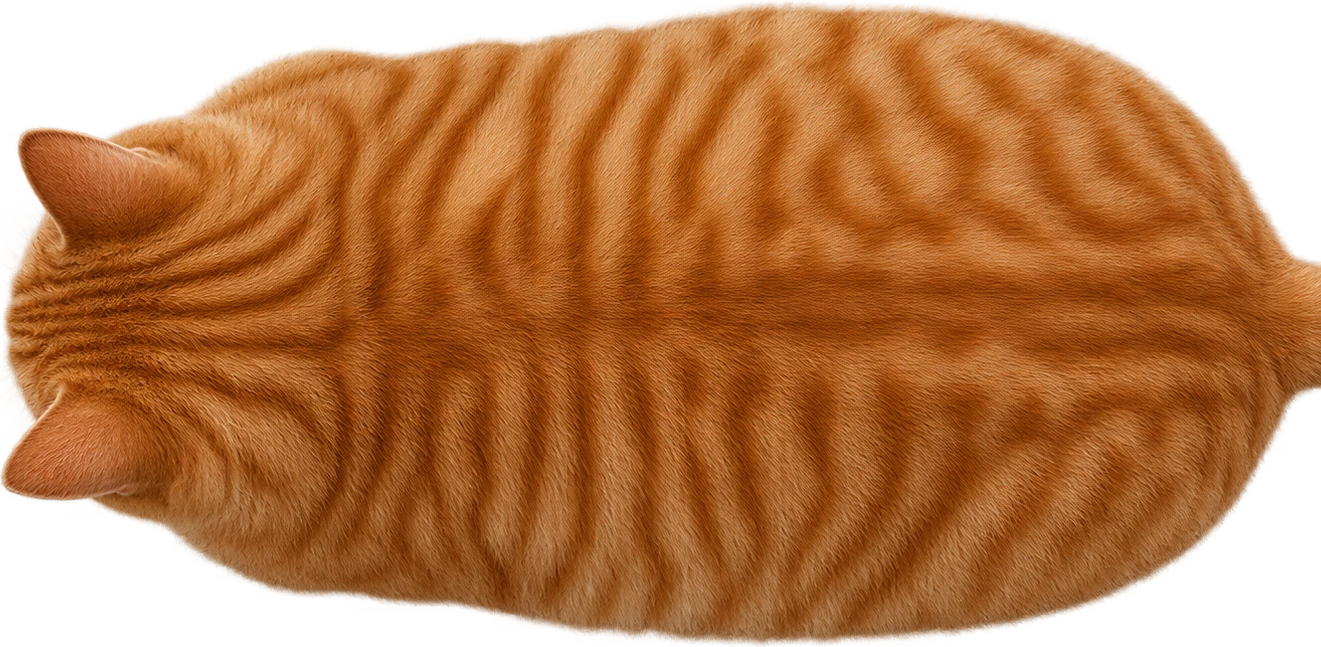
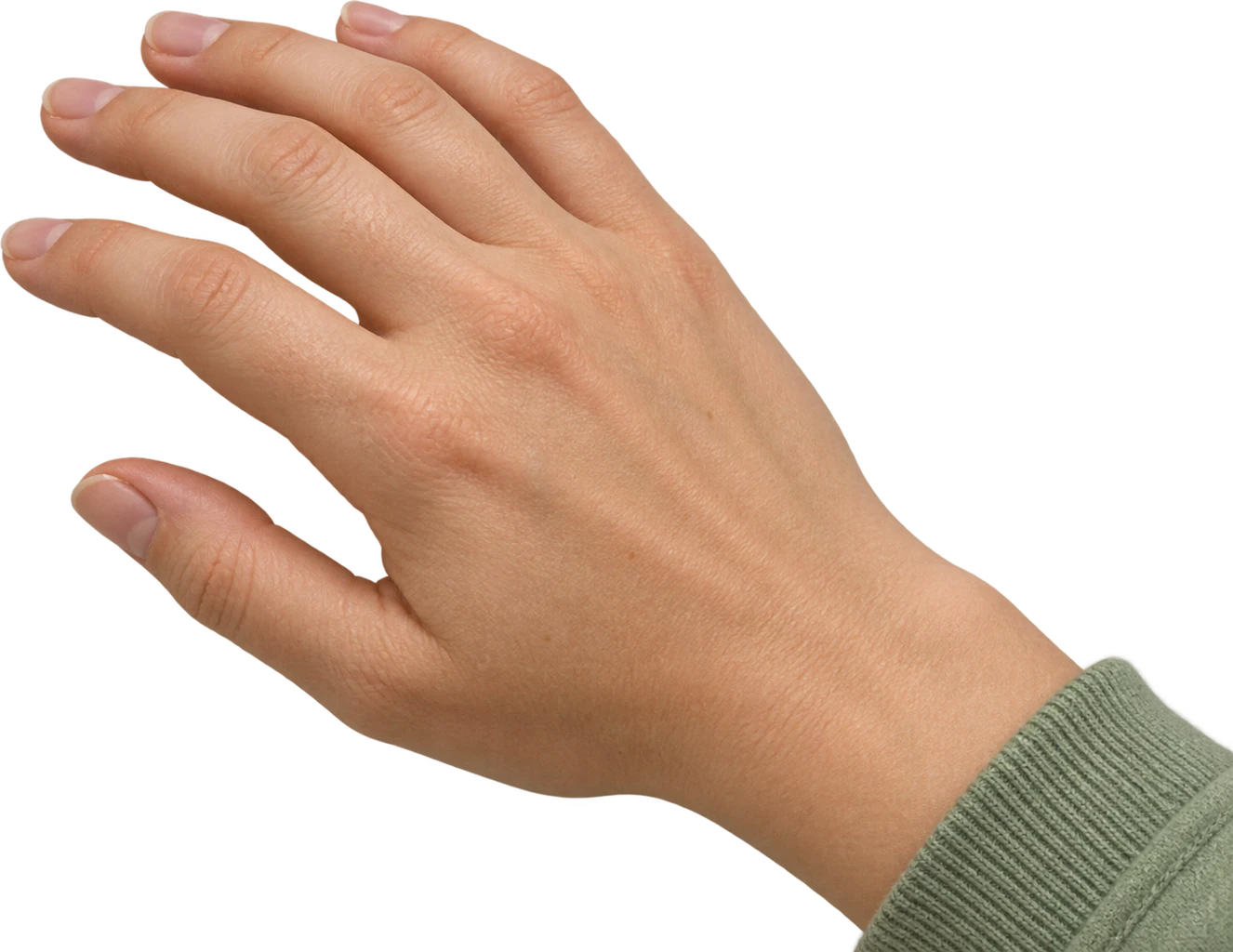
Stroke the back to brush the fur. Drag the tail outward, then let go to see it curl.
Choose a cat
From the journal
All articles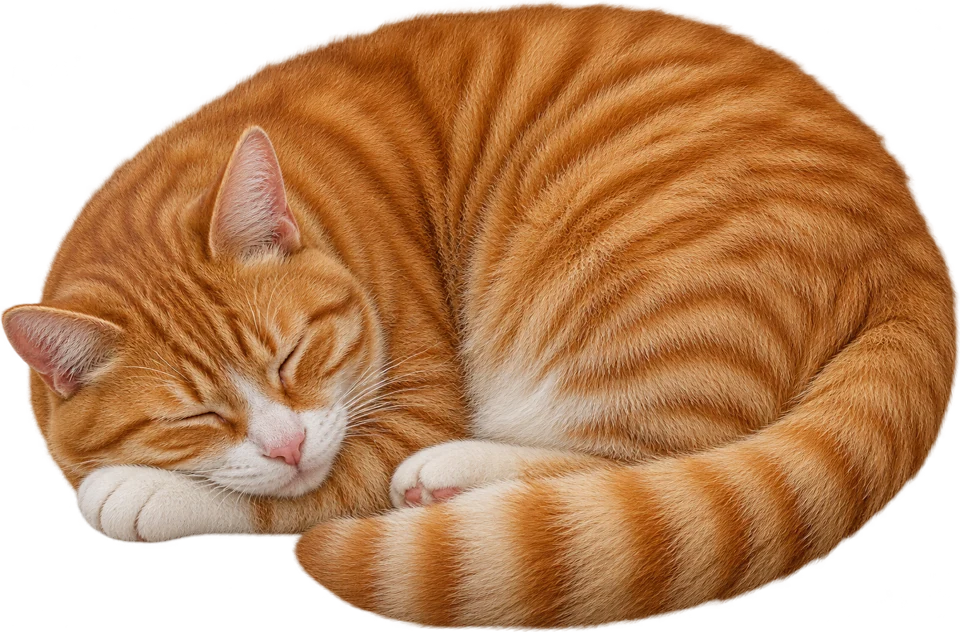
Your first visit to the windowsill
Start with Mikan, the ginger tabby. A stripe across his back makes a handy marker for seeing exactly where your hand has been.
A field guide to twelve windowsill coats
A close look at three pairs of cats is enough to start telling the whole room apart. The back view shows the pattern across the spine, while the front reveals the markings around the face and paws.
What moves when you stroke a virtual cat?
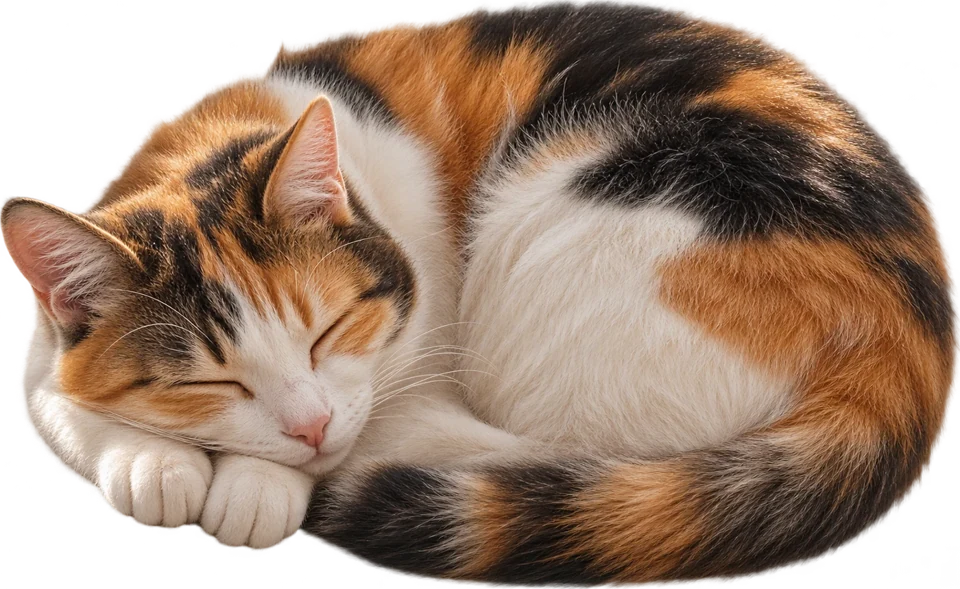
Rest a pointer over Maple’s shoulder, then draw a short line across an orange patch. Her fur shifts under your hand, yet the white patch a little farther away holds still.
How to play with the cats
Petta Cat is a free browser game with twelve named cats curled up on a window seat. Pick a portrait to meet a cat, then move your mouse over its coat or swipe with one finger. The strands shift in the direction of your touch and settle back after you lift your finger. Try a slow stroke along the spine, then brush across the same spot to see how the direction changes the result.
Choose a view, then find the tail
Switch to Back for a clear view of the shoulders and coat pattern. In Front view, try brushing from the cheek toward the shoulder. The eyes, nose and sleeping expression hold their shape as the effect moves into the fur around them. To stretch the virtual tail, press its curled tip, drag outward and release. It returns to its resting curve on its own. The keyboard works too. Tab to the cat and press Space to pet it, or focus the tail and hold Space or Enter to stretch it.
Try the same stroke on a different coat
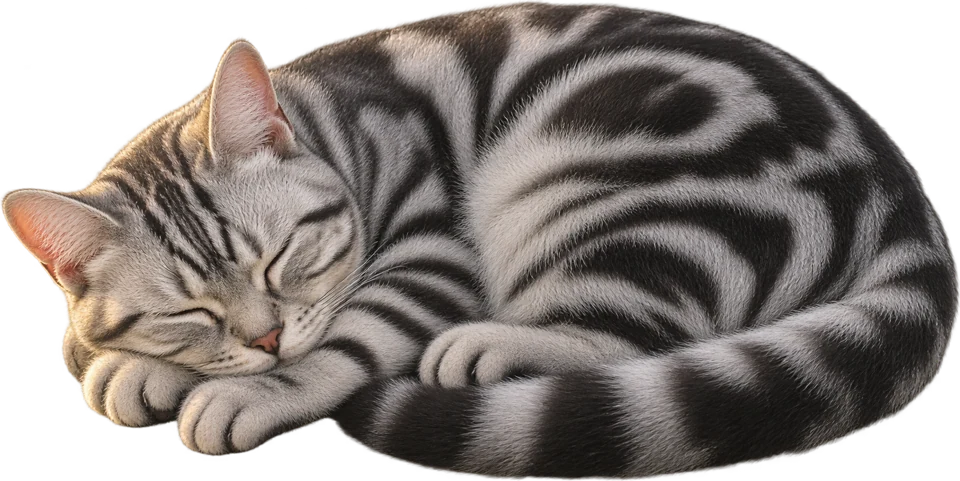
Ginkgo’s broad black stripes make small changes in the fur easy to see. Ume’s short dark coat shows the highlights moving instead. If you like a fuller tail, try Latte or Moss. On narrow screens, swipe through the cat portraits or use the paging buttons to find the rest of the cats. There is also a size and build control beside the full-screen button.
Listen to the purr
Tap or click the cat once to let your browser play sound. A few strokes bring the purr forward, and it fades when you stop. Cocoa and Chestnut have slightly different pitches, so try both with the device volume at the same level. Use the sound button to mute the purr, or switch between afternoon light and moonlight with the separate light control.
Common questions
Is the cat petting game free?
Yes. All twelve cats, both views and the sound can be used in your browser without a download or an account.
Can I pet a cat on a phone or tablet?
Yes. Touch the cat and slide your fingertip along the fur. Hold the tip of its tail and drag outward, then lift your finger to let the tail curl back.
Does the game remember my cat?
When your browser allows local storage, it remembers your cat, the selected view and your sound setting on that device. You can choose another cat at any point.