 Pet a Cat
Give the sound a start
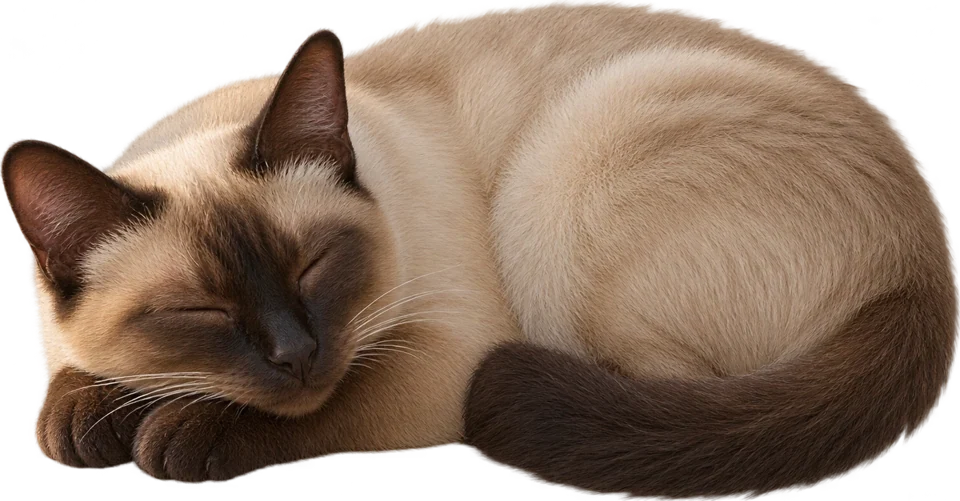
Click or tap Cocoa once, then brush his back. A browser may wait for that first touch before it plays any audio. Compare one short stroke with several slow passes. Continued strokes bring the sound forward. Leave the cat alone for a moment to hear it taper off.
Listen between the pulses
The room makes its purr in the browser. A low, repeating pulse gives it a rumbling texture, with a gentle rise and fall across a longer breath. The cats have slightly different pitches. Try the same few strokes on deep-voiced Chestnut, then on Cocoa, keeping your device volume in the same place.
Settle on your own combination
For an easy comparison, switch between sunlight and moonlight while you stay with Cocoa. The light changes the scene while the sound control remains independent. You can also mute the purr and watch the fur settle in silence. Your cat selection and sound setting are remembered in the same browser when local storage is available.